Creates a colored RGBA outline or halo from an image alpha
channel or a supplied mask. When image is supplied, the original image is
composited over the outline by default.
render_alpha_outline(
  image = NULL,
  mask = NULL,
  expand = 0,
  edge_softness = 0.1,
  blur = 0,
  gap_fill = 1,
  gap_fill_alpha_threshold = 0.25,
  color = "black",
  alpha = 1,
  pad = 0,
  composite = TRUE,
  filename = NULL,
  preview = FALSE
)
Arguments
- image
Default
NULL. Image whose alpha channel will be used as the mask. Ifmaskis supplied,imageis only used for metadata.- mask
Default
NULL. Optional logical or numeric matrix to use as the outline mask instead ofimagealpha.- expand
Default
0. Number of pixels to expand the mask.- edge_softness
Default
0.1. Width of the softened halo edge transition, in pixels.- blur
Default
0. Gaussian blur standard deviation applied to the final outline alpha.- gap_fill
Default
1. Maximum alpha gap width, in pixels, to bridge in the expanded outline alpha. This fills border-connected breaks and notches caused by discrete distance quantization. Set to0to disable.- gap_fill_alpha_threshold
Default
0.25. Alpha threshold used to classify border gaps. Gap filling only modifies pixels below this threshold that are connected to the image exterior; enclosed interior holes surrounded by pixels at or above this threshold are left unchanged.- color
Default
"black". Outline color.- alpha
Default
1. Overall outline alpha multiplier.- pad
Default
0. Padding in pixels before computing the outline. IfNULL, padding is computed fromexpand,edge_softness, andblur.- composite
Default
TRUE. IfTRUEandimageis supplied, composite the outline below the original image. Set toFALSEto return the outline alone.- filename
Default
NULL. File to save the image to. IfNULLandpreview = FALSE, returns the output image.- preview
Default
FALSE. IfTRUE, display the outline image.
Value
A rayimg RGBA output image with a padding attribute.
Examples
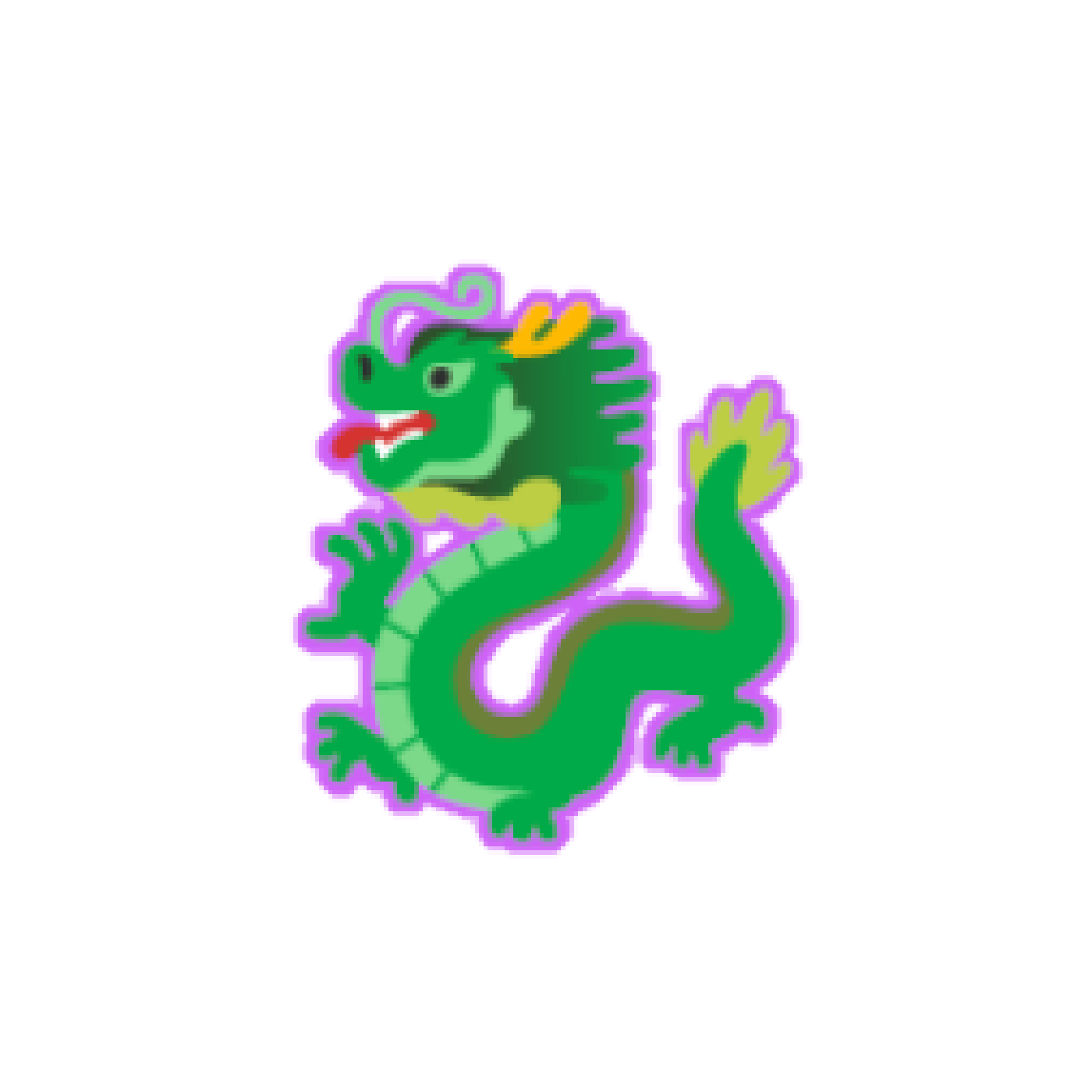
txt = render_text_image("\U0001F409", size = 120, background_alpha = 0)
render_alpha_outline(txt, expand = 2, blur = 1, color = "purple") |>
plot_image()
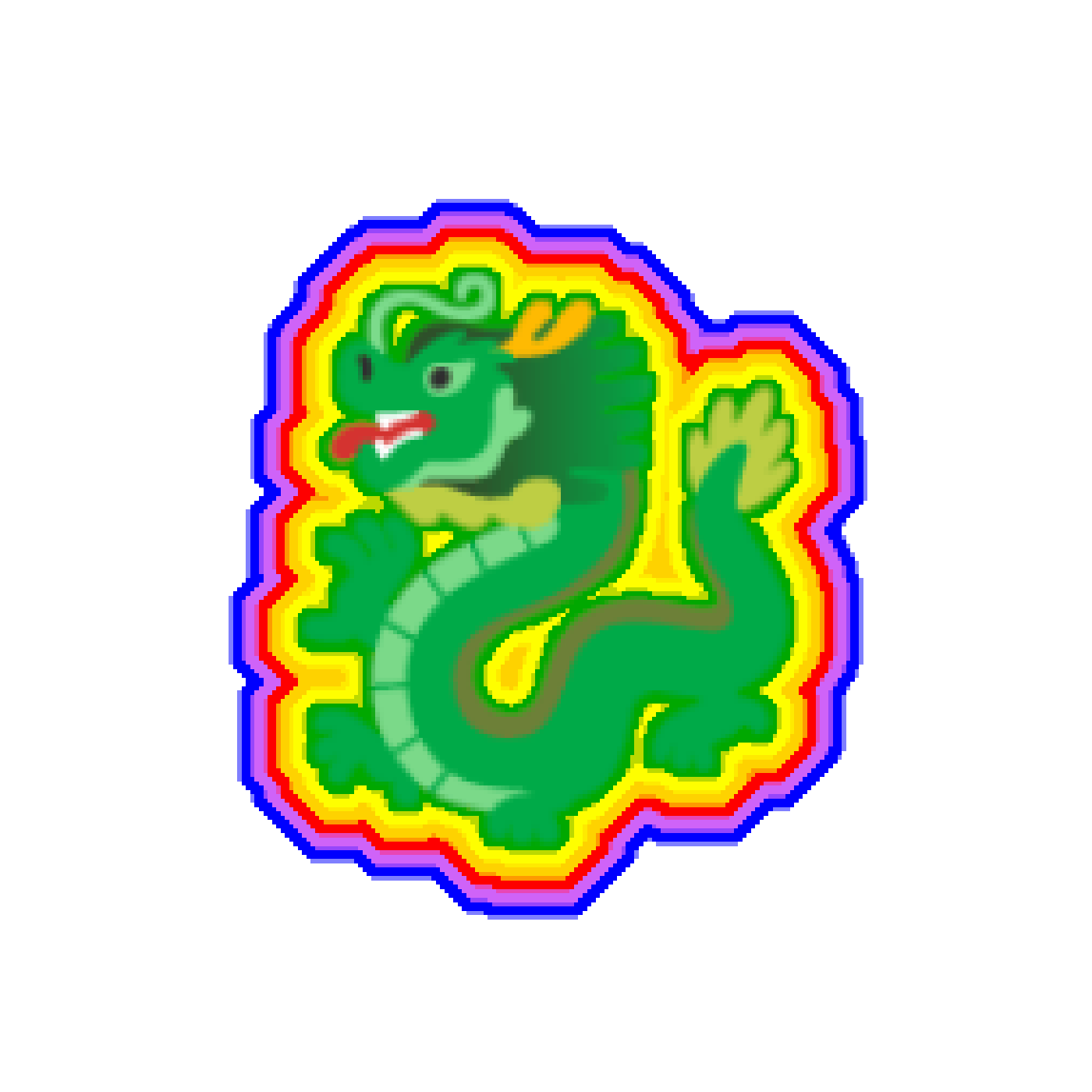
 #Make a rainbow outline
render_alpha_outline(txt, expand = 2, blur = 0.1, color = "darkgreen") |>
render_alpha_outline(expand = 2, blur = 0.1, color = "yellow") |>
render_alpha_outline(expand = 2, blur = 0.1, color = "orange") |>
render_alpha_outline(expand = 2, blur = 0.1, color = "red") |>
render_alpha_outline(expand = 2, blur = 0.1, color = "purple") |>
render_alpha_outline(expand = 2, blur = 0.1, color = "blue") |>
plot_image()
#Make a rainbow outline
render_alpha_outline(txt, expand = 2, blur = 0.1, color = "darkgreen") |>
render_alpha_outline(expand = 2, blur = 0.1, color = "yellow") |>
render_alpha_outline(expand = 2, blur = 0.1, color = "orange") |>
render_alpha_outline(expand = 2, blur = 0.1, color = "red") |>
render_alpha_outline(expand = 2, blur = 0.1, color = "purple") |>
render_alpha_outline(expand = 2, blur = 0.1, color = "blue") |>
plot_image()