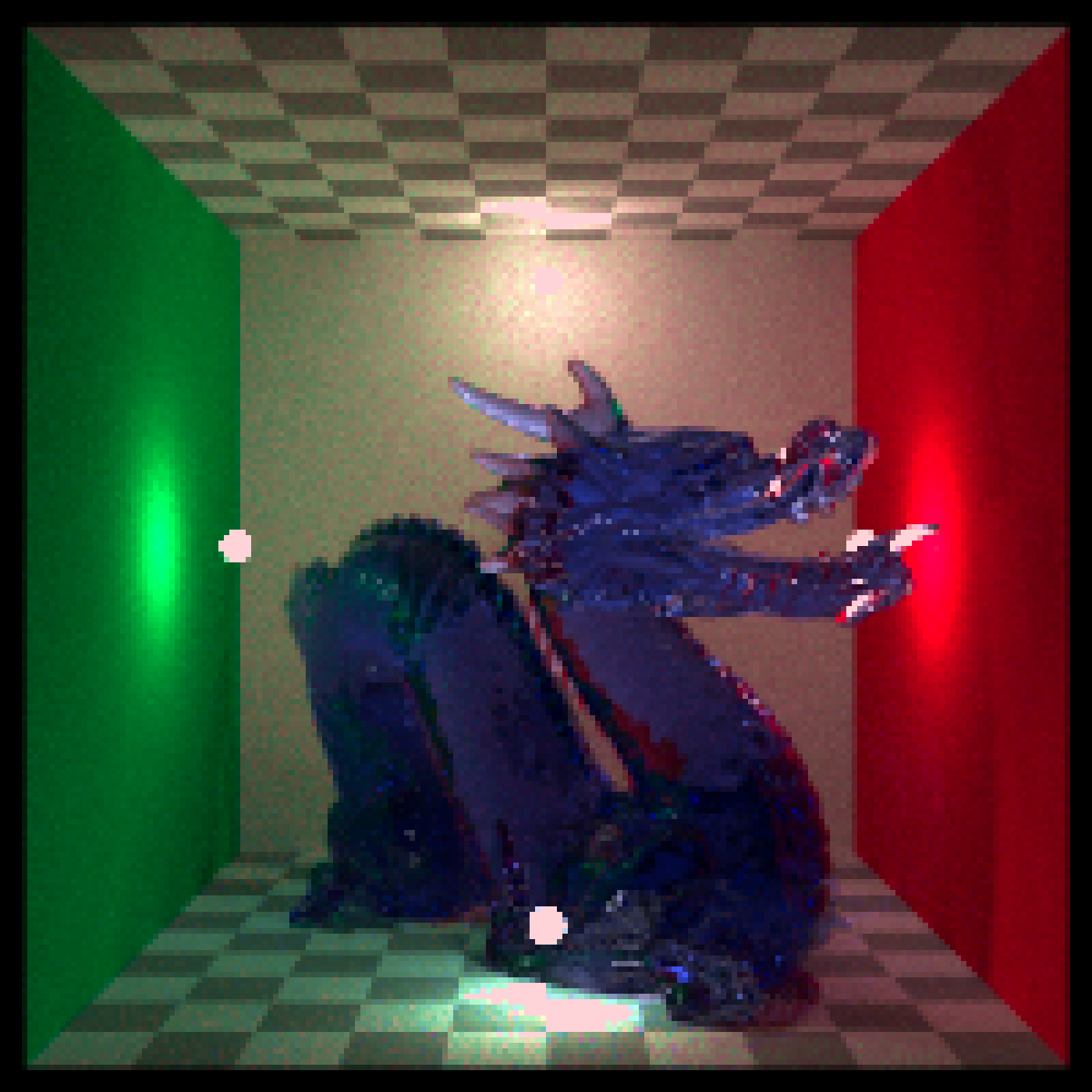
Adjusts image vibrance (adaptive saturation), similar in spirit to the iPhone "Vibrance" control: it boosts muted colors more than already-saturated colors, and reduces saturation more strongly in already-saturated regions when negative. Works on HDR arrays as well (values can exceed 1).
render_vibrance(
  image,
  vibrance = 0,
  protect_luminance = 0.25,
  filename = NULL,
  preview = FALSE
)
Arguments
- image
Image filename, 3-layer RGB array, 4-layer RGBA array, or matrix. If a filename, it will be read via
ray_read_image().- vibrance
Default
0. Numeric scalar in -1..1 (values are clamped). Positive values increase vibrance primarily in low-saturation regions; negative values decrease vibrance primarily in high-saturation regions.- protect_luminance
Default
0.25. Numeric scalar in 0..1. Reduces the vibrance effect in deep shadows and bright highlights to avoid harsh color shifts. Set to0to disable.- filename
Default
NULL. If notNULL, the processed image will be written to this file.- preview
Default
FALSE. Whether to plot the processed image.
Value
4-layer RGBA array (or matrix if passed a matrix and ray_read_image() is not used).
Examples
  dragon |>
    render_vibrance(vibrance = 0.4, preview = TRUE)