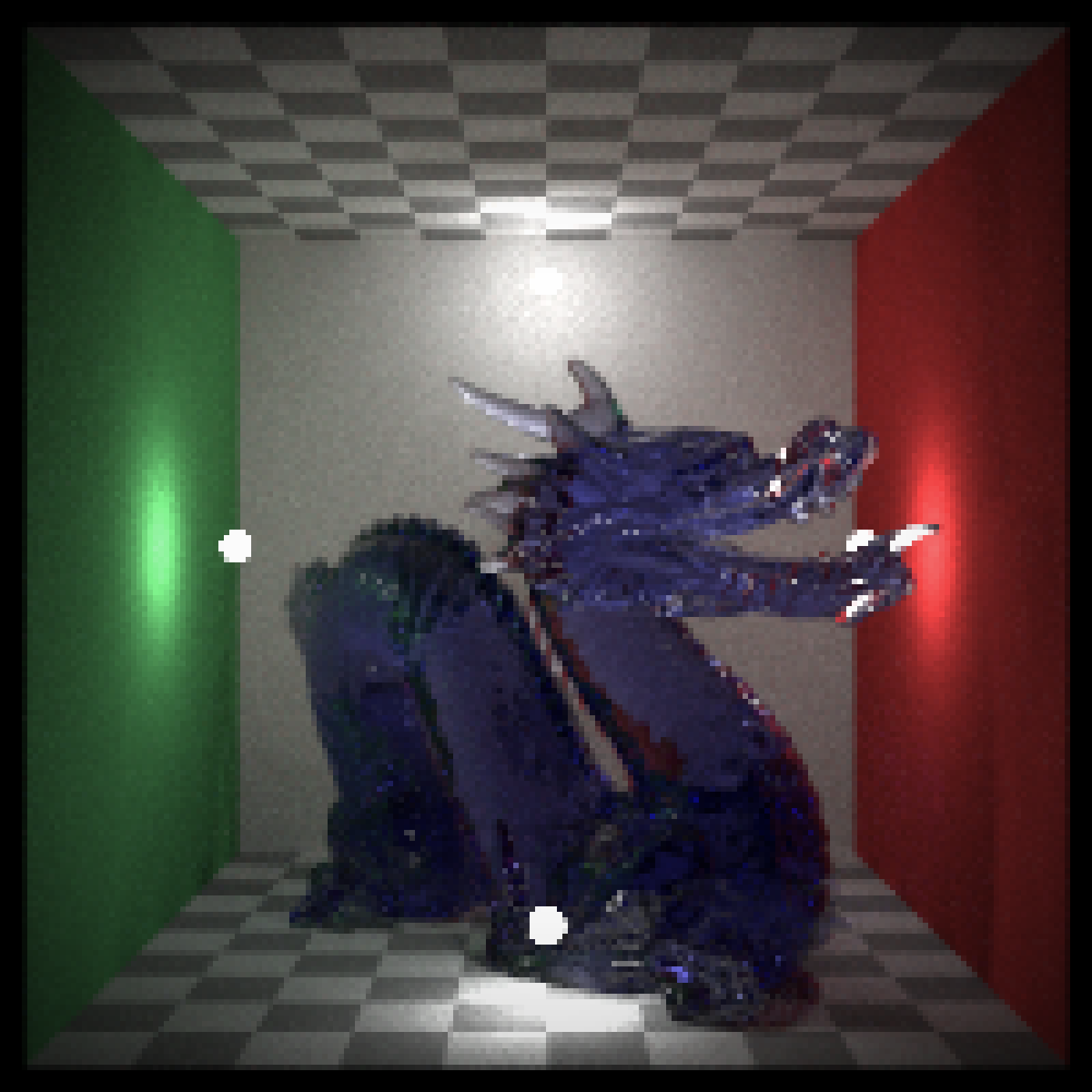
Takes an RGB array/filename and adds a camera vignette effect.
render_vignette(
  image,
  vignette = 0.5,
  color = "#000000",
  radius = 1.1,
  filename = NULL,
  preview = FALSE
)
Arguments
- image
3-layer RGB/4-layer RGBA array,
rayimgclass, or filename of an image.- vignette
Default
1. A camera vignetting effect will be added to the image.1is the darkest vignetting, while0is no vignetting. If vignette is a length-2 vector, the second entry will control the blurriness of the vignette effect (1is the default, e.g.2would double the blurriness but would take much longer to compute).- color
Default
"#000000"(black). Color of the vignette.- radius
Default
1.1. Multiplier for the size of the vignette. If1, the vignette touches the edge of the image.- filename
Default
NULL. Filename which to save the image. IfNULLandpreview = FALSE, returns an RGB array.- preview
Default
FALSE. IfTRUE, it will display the image in addition to returning it.
Value
A rayimg RGBA array.
Examples
#Plot the dragon
plot_image(dragon)
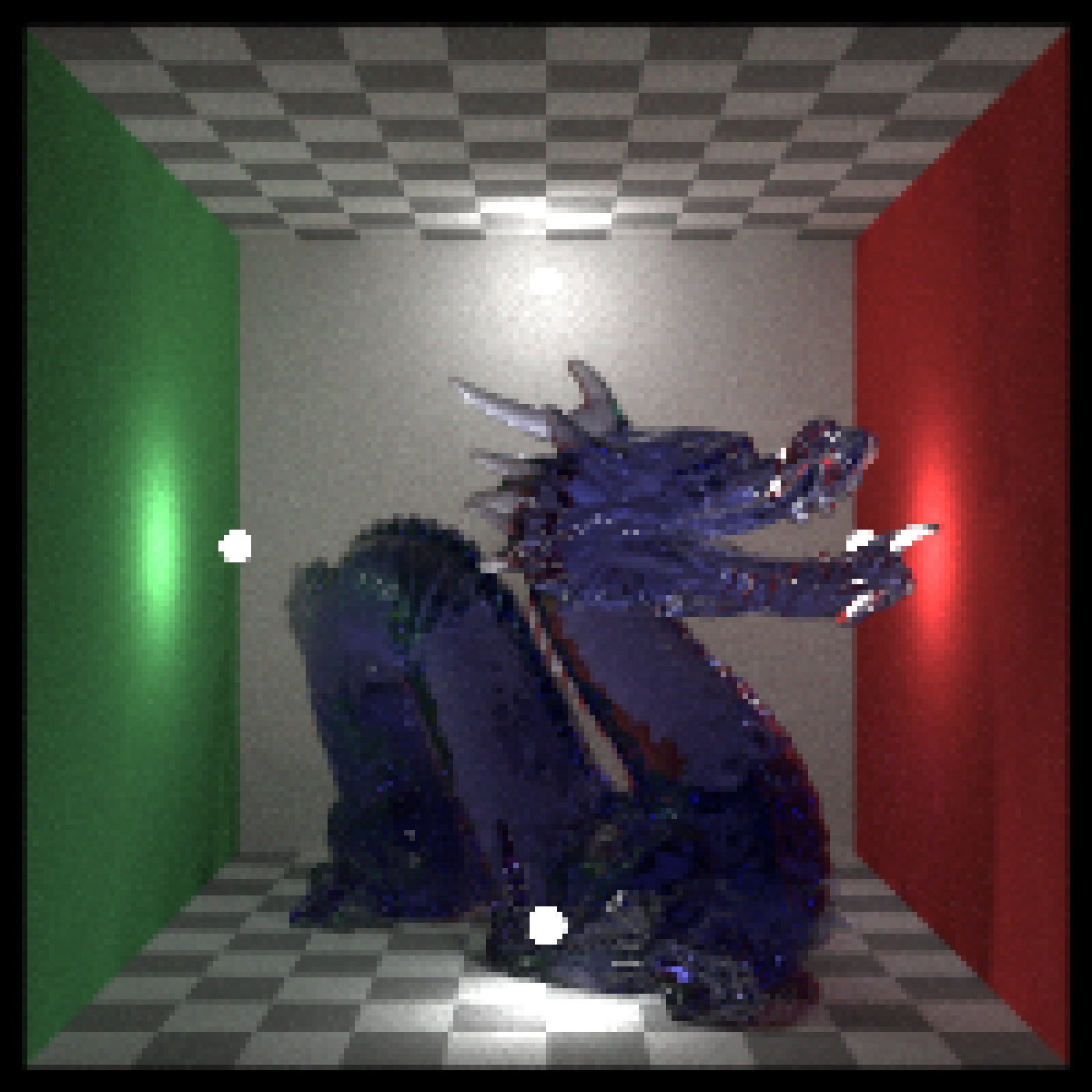 #Add a vignette effect:
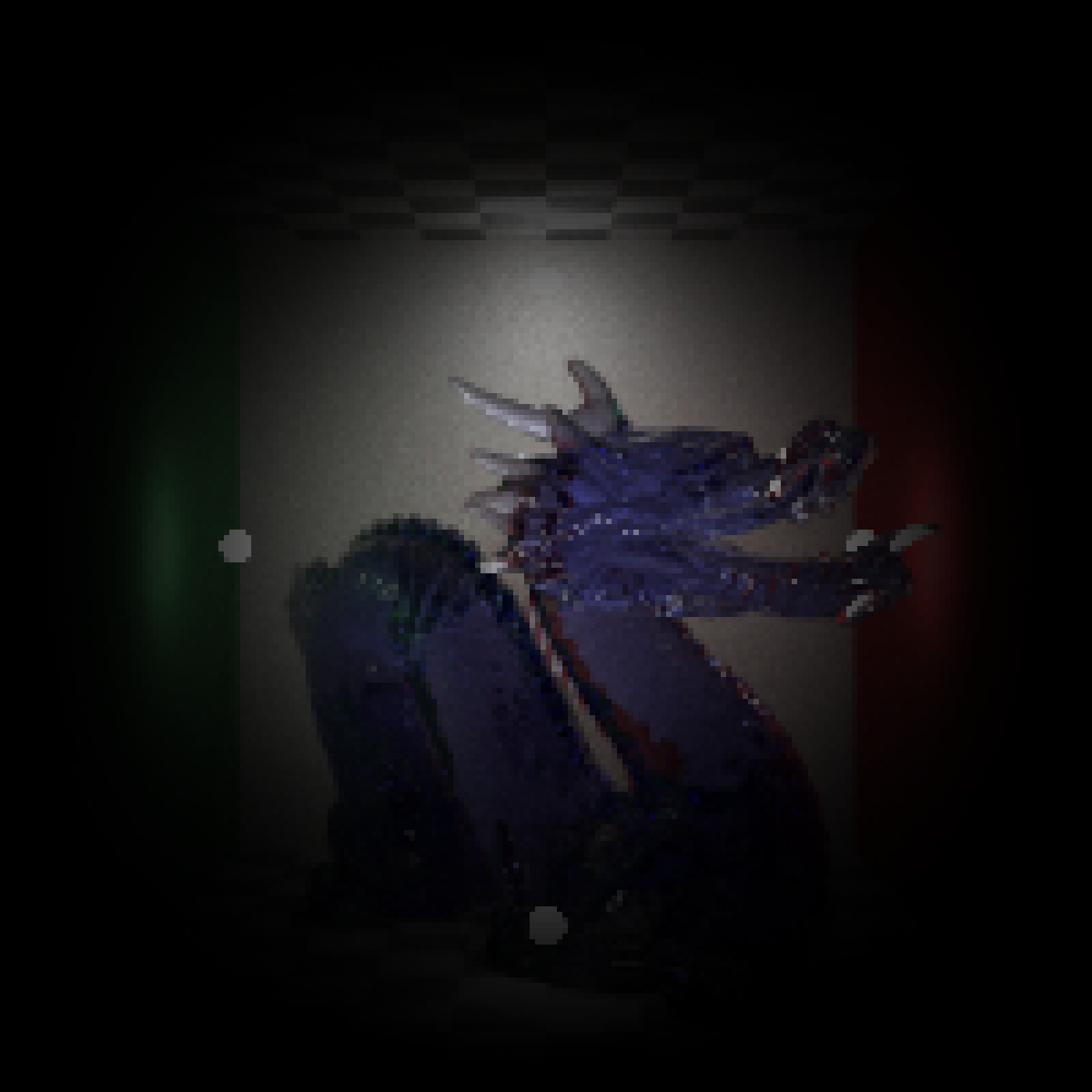
render_vignette(dragon, preview = TRUE, vignette = 1, radius=1.1)
#Add a vignette effect:
render_vignette(dragon, preview = TRUE, vignette = 1, radius=1.1)
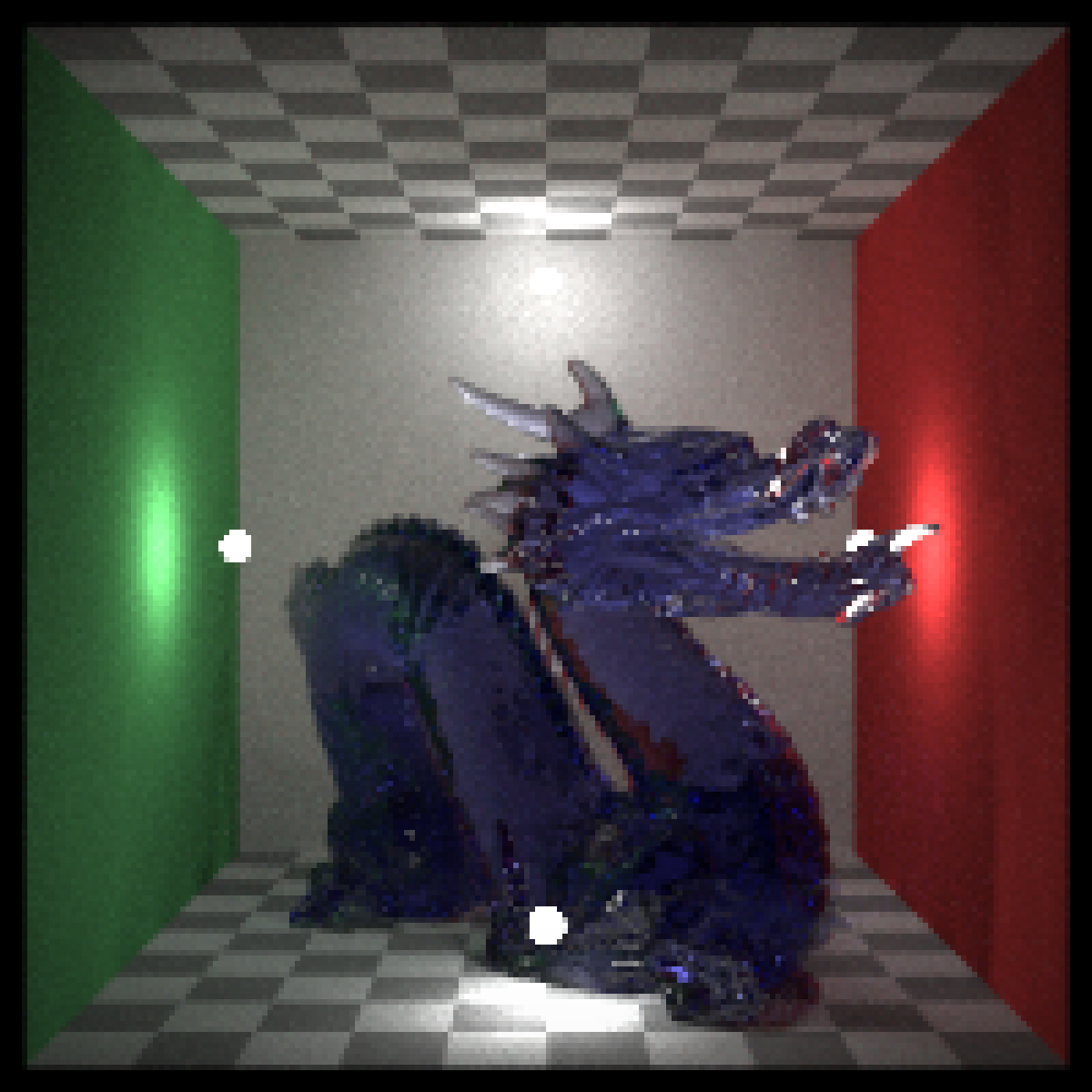 #Lighten the vignette effect:
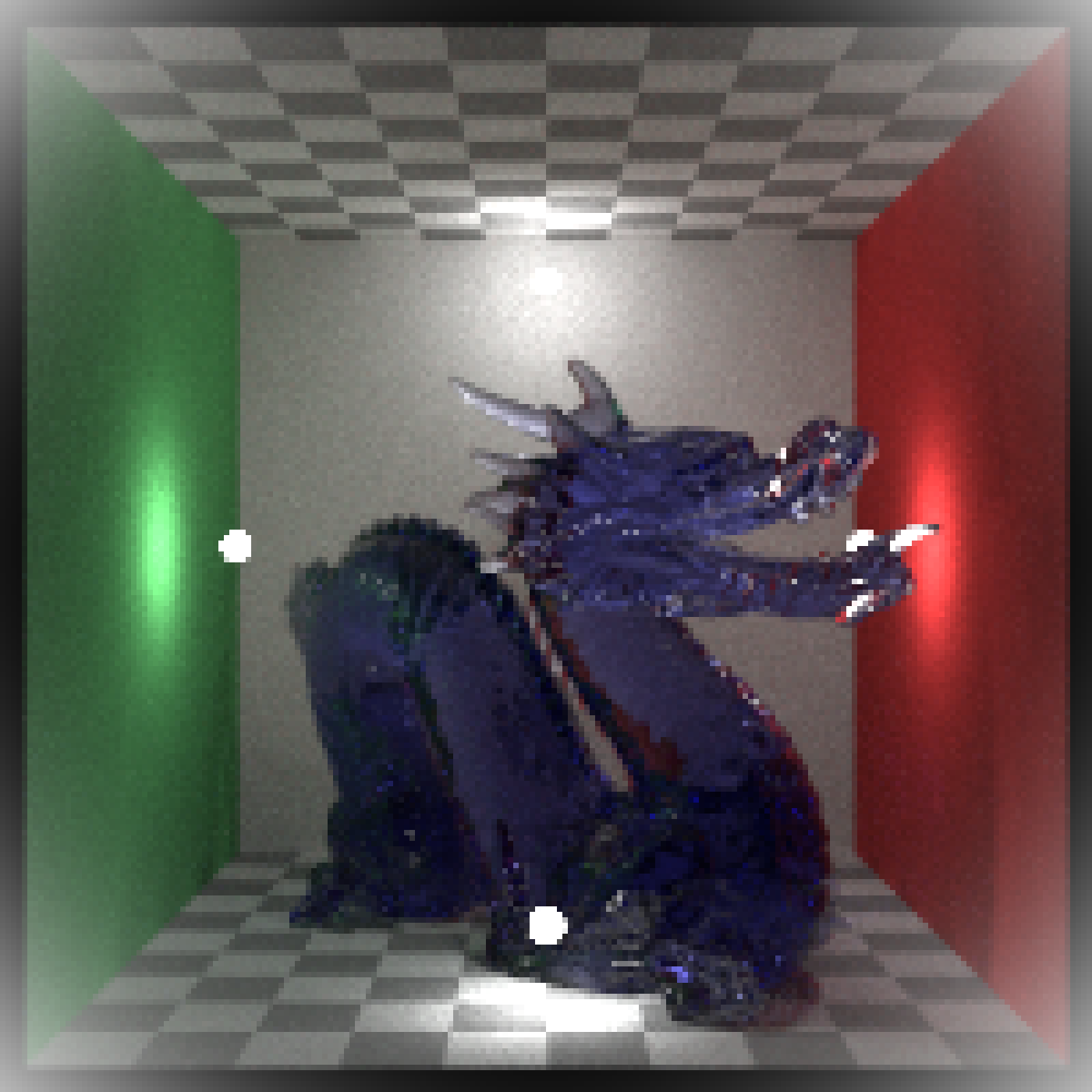
render_vignette(dragon, preview = TRUE, vignette = 0.5)
#Lighten the vignette effect:
render_vignette(dragon, preview = TRUE, vignette = 0.5)
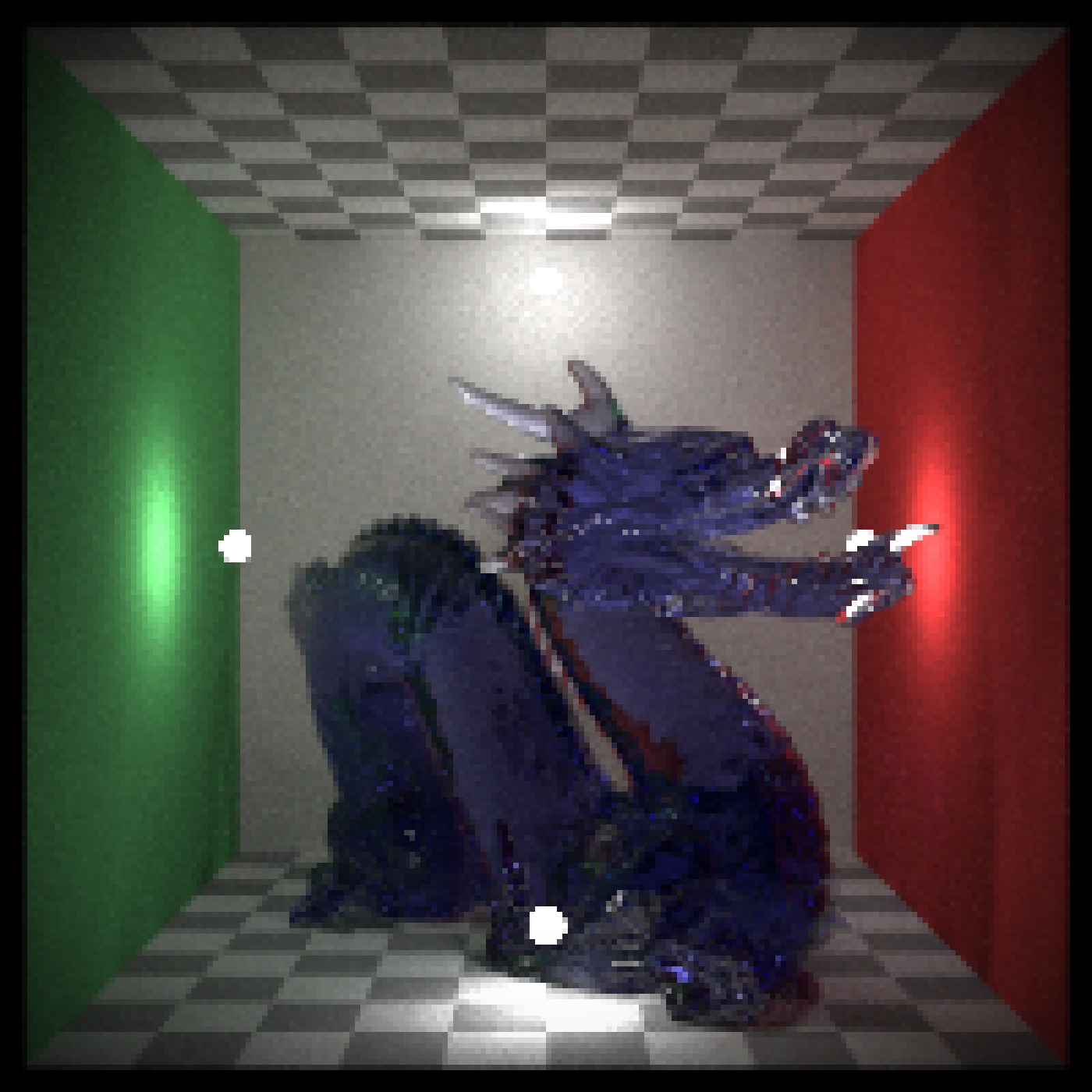 #Change the radius:
render_vignette(dragon, preview = TRUE, vignette = 1, radius=1.5)
#Change the radius:
render_vignette(dragon, preview = TRUE, vignette = 1, radius=1.5)
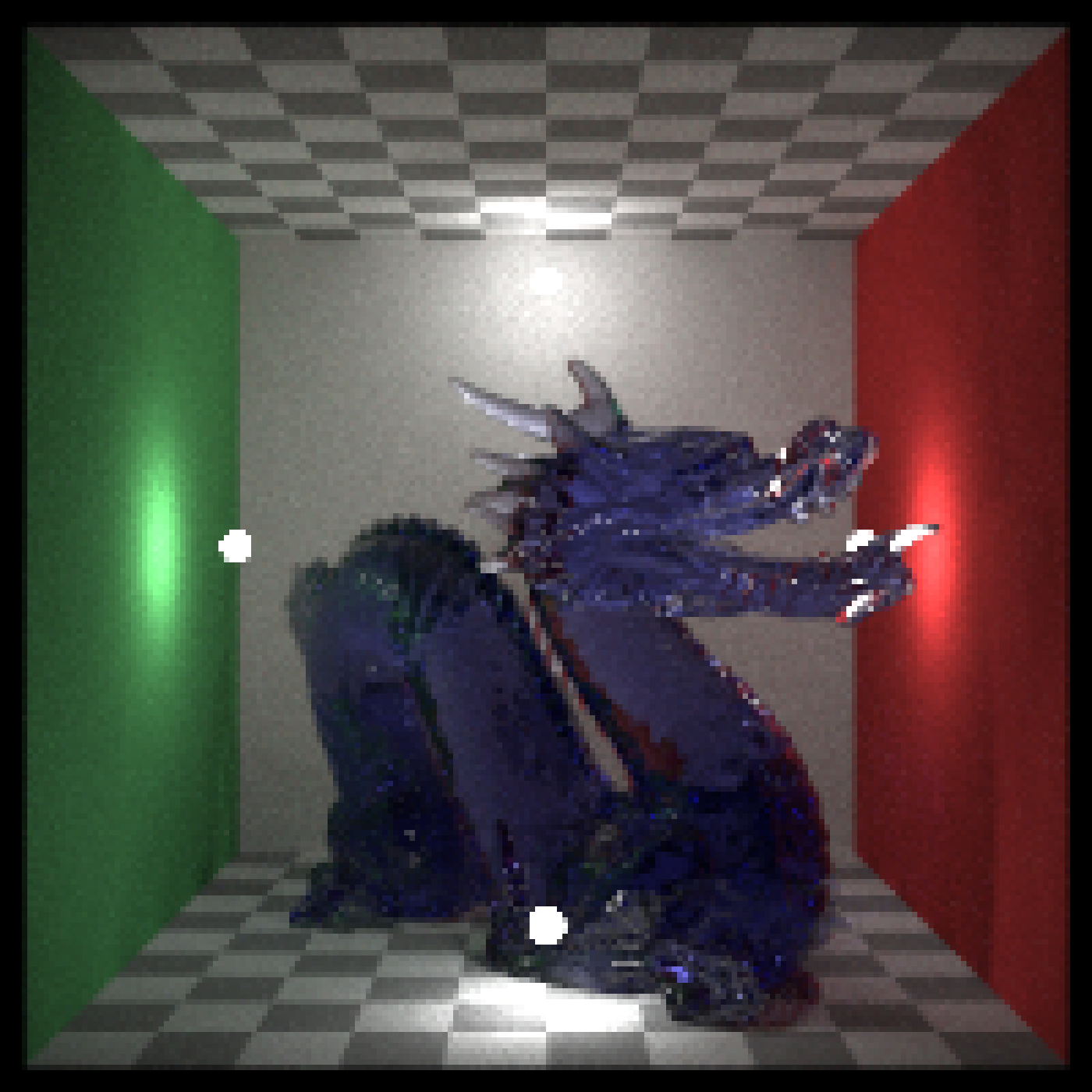 render_vignette(dragon, preview = TRUE, vignette = 0.1, radius=0.8)
 #Change the color:
render_vignette(dragon, preview = TRUE, vignette = 1, color="white")
#Change the color:
render_vignette(dragon, preview = TRUE, vignette = 1, color="white")
 #Increase the width of the blur by 50%:
render_vignette(dragon, preview = TRUE, vignette = c(1,1.5))
#Increase the width of the blur by 50%:
render_vignette(dragon, preview = TRUE, vignette = c(1,1.5))