Chromatic-adapt an image from reference_white to target_white in its working RGB space.
When bake = FALSE (the default), this should not result in any visible changes to the image when
plotted in rayimage via plot_image(), as that function then corrects the white balance for
display. Set
render_white_balance(
  image,
  reference_white = NA,
  target_white = "D60",
  bake = FALSE,
  filename = NULL,
  preview = FALSE
)
Arguments
- image
Default
NULL. 3-layer RGB/4-layer RGBA array,rayimg, or filename.- reference_white
Default
NA. Source white (XYZ Y=1 or named); whenNA, usesattr(img, "white_current").- target_white
Default
"D60". Target white (XYZ Y=1 or named).- bake
Default
FALSE. IfTRUE, this will bake the color change into the image, and return the old tag. This can be used for stylistic adjustments.- filename
Default
NULL. Output path.- preview
Default
FALSE. IfTRUE, display the image.
Examples
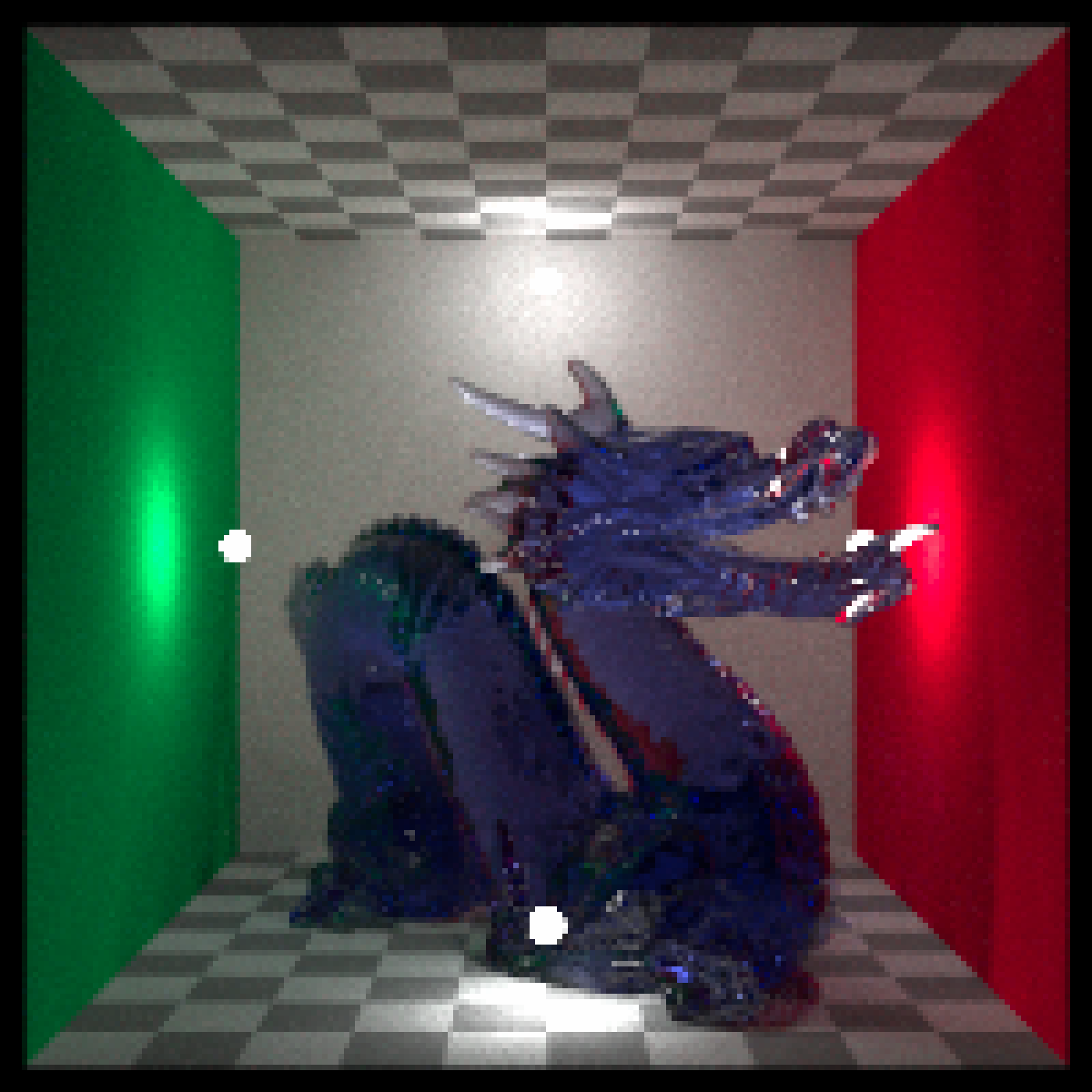
# Not specifying a target white balance returns an unchanged image
render_white_balance(dragon, preview = TRUE)
 # Default white "D60", converting to D50 produces a warmer image
render_white_balance(dragon, preview = TRUE, target_white = "D50", bake = TRUE)
# Default white "D60", converting to D50 produces a warmer image
render_white_balance(dragon, preview = TRUE, target_white = "D50", bake = TRUE)
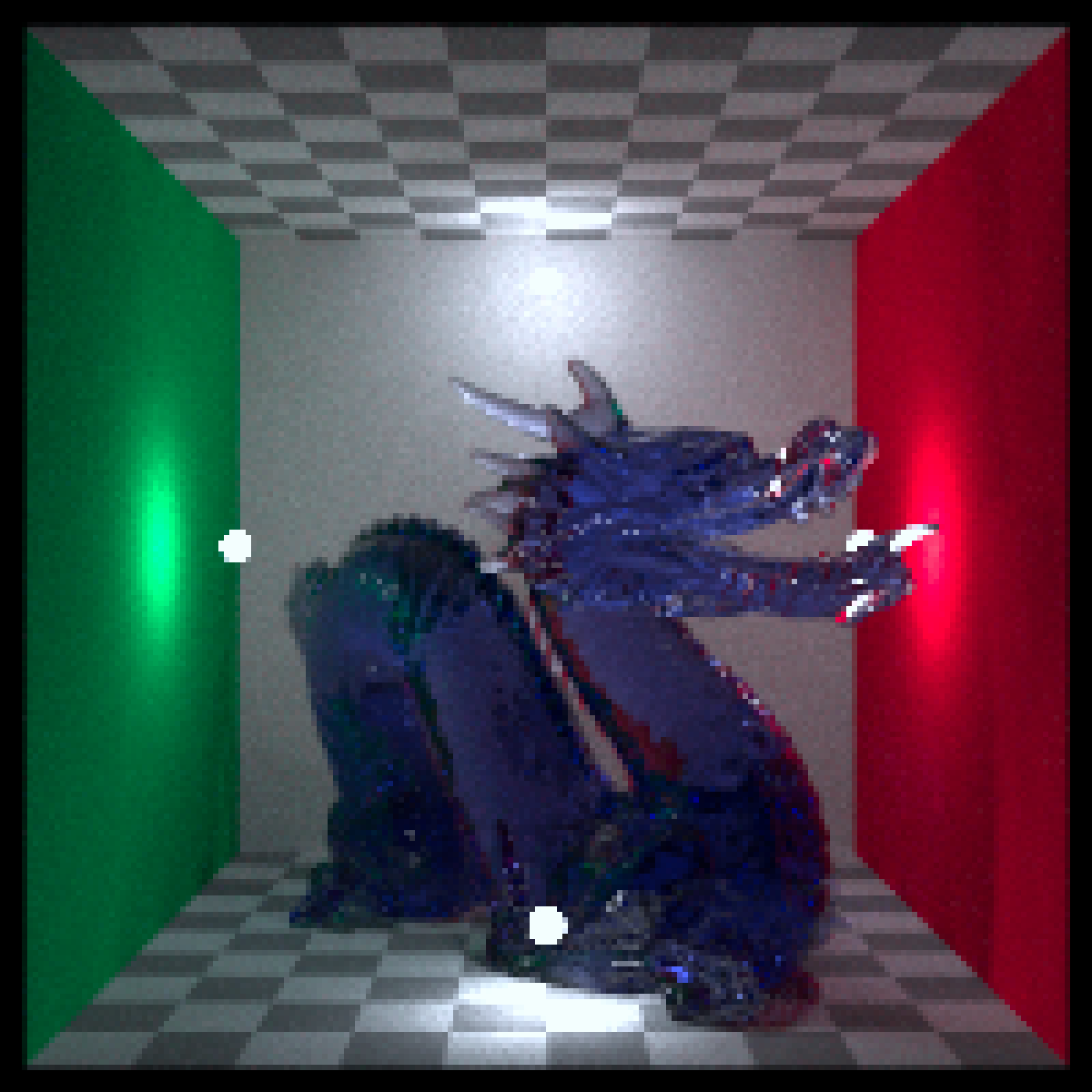
 # Default white "D60", converting to "D75" produces a cooler image
render_white_balance(dragon, preview = TRUE, target_white = "D75", bake = TRUE)
# Default white "D60", converting to "D75" produces a cooler image
render_white_balance(dragon, preview = TRUE, target_white = "D75", bake = TRUE)
 # Set reference white to colder "D75", converting to "D50" produces a very warm image
render_white_balance(dragon, preview = TRUE,
reference_white= "D75", target_white = "D50", bake = TRUE)
# Set reference white to colder "D75", converting to "D50" produces a very warm image
render_white_balance(dragon, preview = TRUE,
reference_white= "D75", target_white = "D50", bake = TRUE)
 # With a real, non-rendered image:
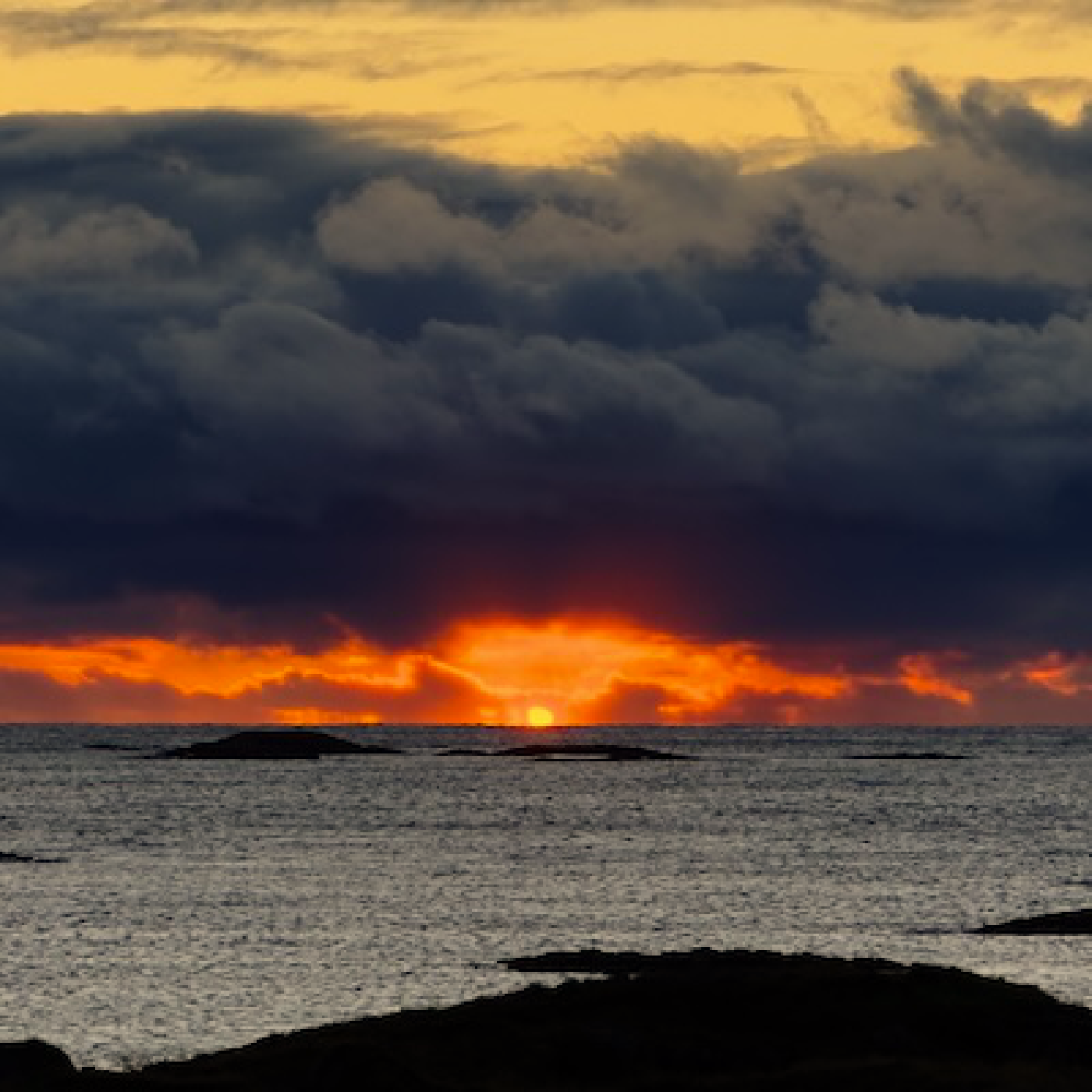
render_white_balance(sunset_image, preview=TRUE)
# With a real, non-rendered image:
render_white_balance(sunset_image, preview=TRUE)
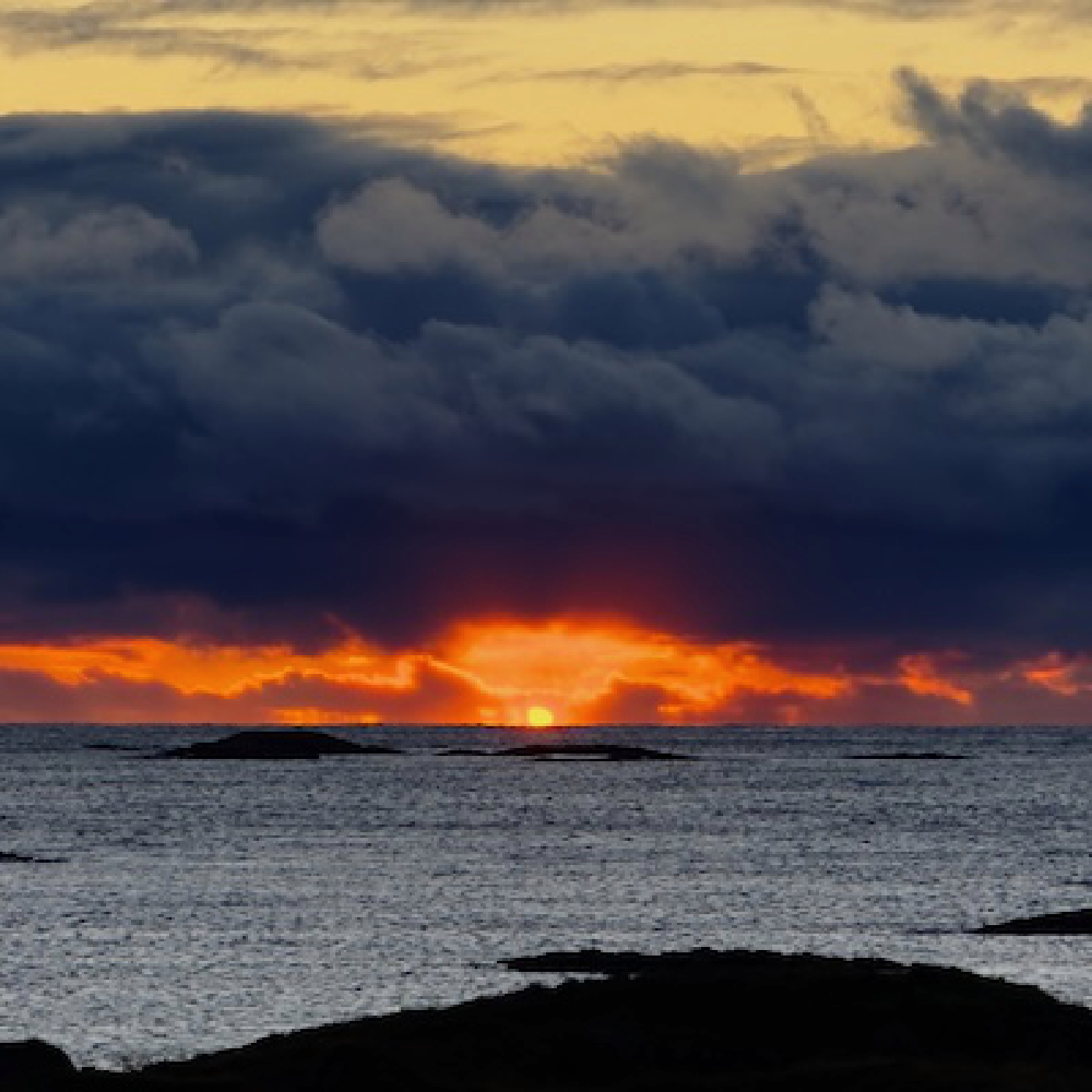 # Cooler
render_white_balance(sunset_image, preview=TRUE, target_white = "D75", bake = TRUE)
# Cooler
render_white_balance(sunset_image, preview=TRUE, target_white = "D75", bake = TRUE)
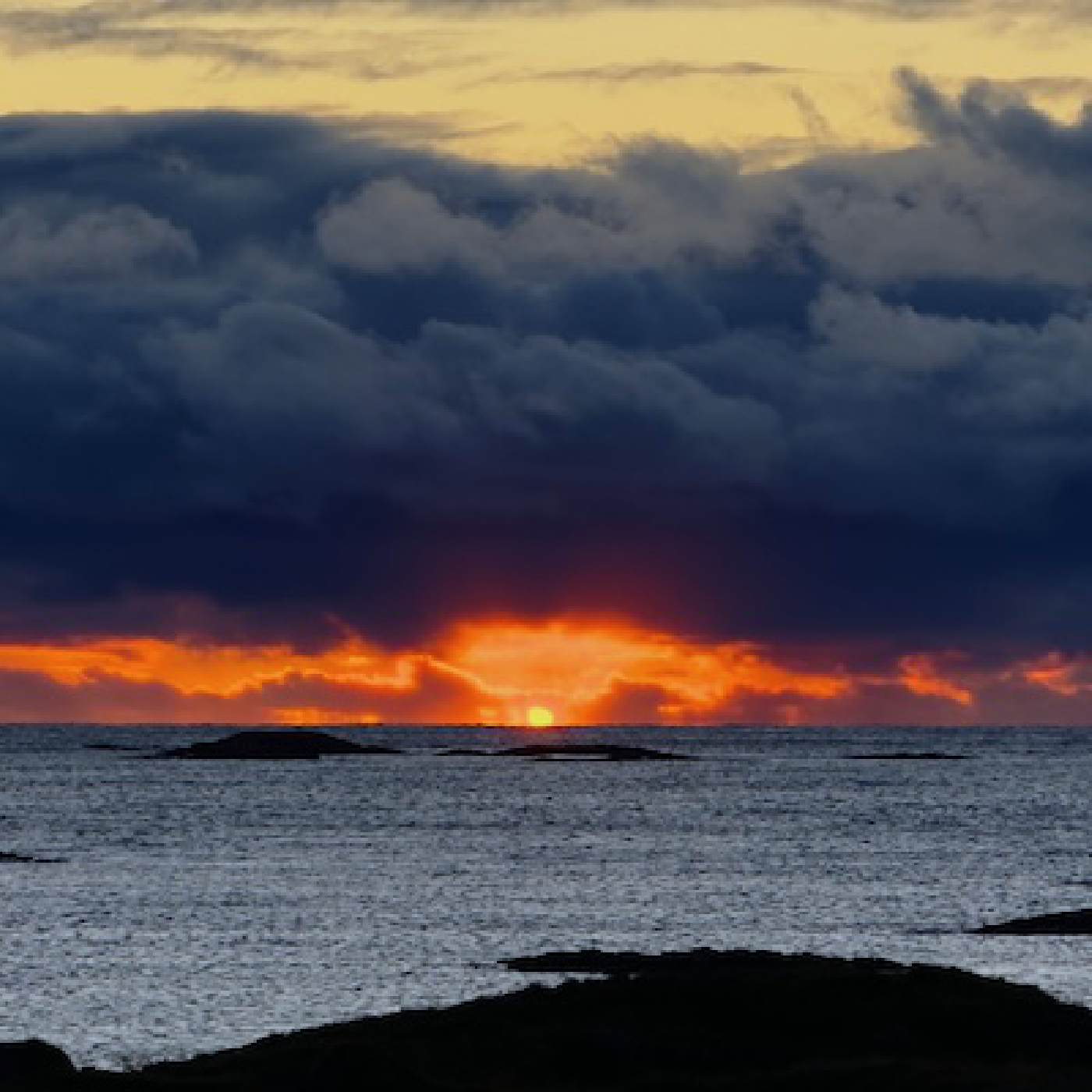 # Warmer
render_white_balance(sunset_image, preview=TRUE, target_white = "D50", bake = TRUE)
# Warmer
render_white_balance(sunset_image, preview=TRUE, target_white = "D50", bake = TRUE)